
Before you start
- You need User Management, View on Employees and Can export lists.
Steps
-
In the sidebar, select Management › Users.
-
Optional: narrow the list with Search users..., the role filter or the status filter.
-
Select Export.
-
Select Export Excel or Export PDF.
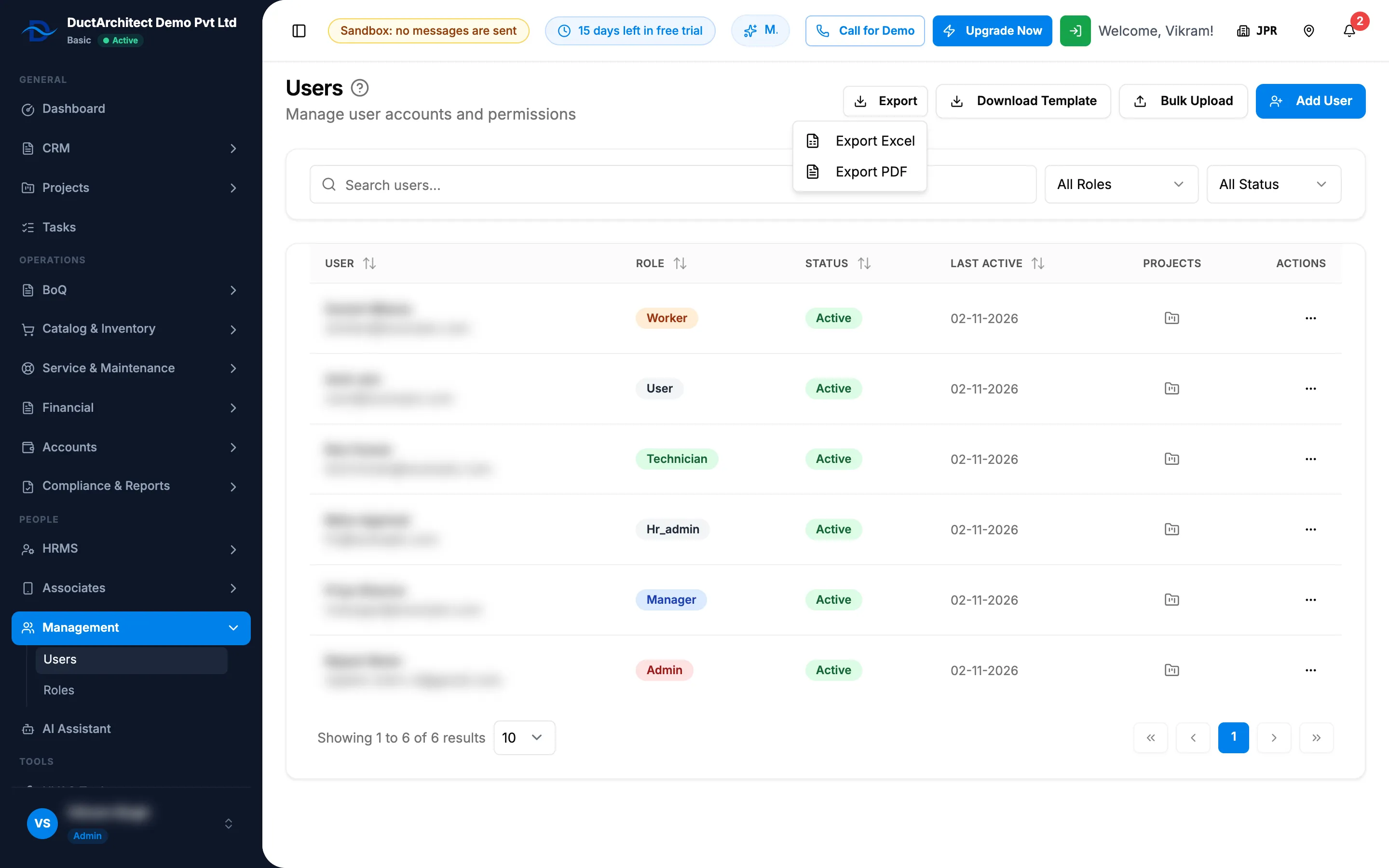
Step 4. The Export menu with Export Excel and Export PDF.
Result
The file downloads with the same users and filters as the screen, with the columns User (name and email), Role, Status and Last Active. The export is recorded on the Access log as "Exported a list".
If something is different
- No Export button: you do not have Can export lists. See Limit a role to its own records or stop exports.
- You are not in the file: the list never shows the signed-in user, so your own account is not exported.