
Before you start
- You can open Management › Users.
- You cannot delete yourself or the last active administrator.
- If the person may come back, deactivate them on HRMS › Employees instead. See How a user account moves between Active and Inactive.
Steps
-
In the sidebar, select Management › Users.
-
In the Actions column of the user's row, select Delete user. The box "Delete User" opens.
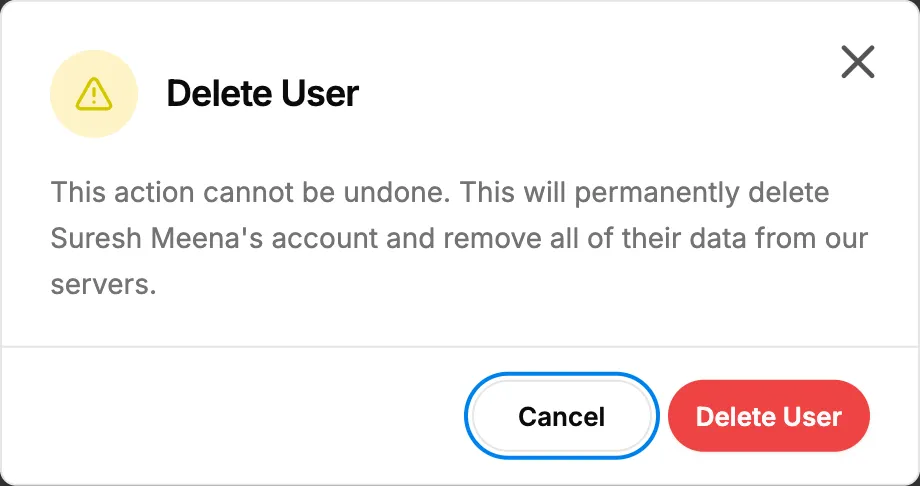
Step 2. The Delete User confirmation. -
Select Delete User.
Result
A confirmation shows, usually "Operation successful". The user leaves the list, is signed out everywhere and can no longer sign in. Their email can be used again.
The box says "This action cannot be undone. This will permanently delete" the account. In fact the user goes to the Recycle bin under "Employees and users", and someone with Can restore deleted records can restore them. See Restore a deleted record.
If something is different
- "You cannot delete your own account.", the last-administrator message, or "Cannot delete user because there are related records": see I can't deactivate or delete a user.
- "You cannot delete super admin users.": Super Admin accounts are managed by DuctArchitect.