
Before you start
- You need Operation Management and Add on BoQs.
- To add lines to an existing BoQ, it is a draft.
Steps
Create a BoQ from a file
-
On the project's BoQ stage, under 3 · Template upload, select Excel Format to download the import file.
-
Fill in the sheet "BoQ" and save the file. A hint row says what each column takes:
- Section: "Annexure/section title, e.g. EQUIPMENT"
- Item No: "blank = auto (1.1, 1.2…); fill only to override, e.g. A-101"
- Description: "Full line description"
- Unit: "nos., SQM, RMT, KGs, LOT…"
- Quantity: "number (blank = manual)"
- Supply Cost and Labour Cost: "number (blank = unpriced)"
- Markup %: "number (blank = BoQ default)"
- Rate Only: "Y or N"
Two example rows show the format.
-
Select Upload and choose the file.
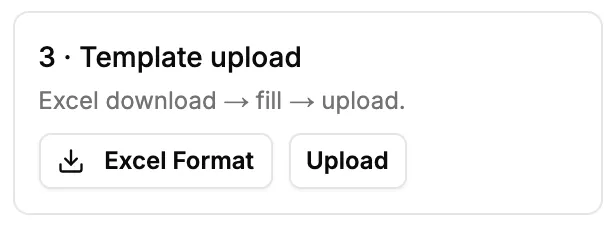
Step 3. The Template upload option with Excel Format and Upload.
Add lines to a draft BoQ
- On the draft BoQ's toolbar, select Excel Format if you need the file.
- Select Bulk Upload and choose the filled file.
Result
The message from the server, or "Imported", shows. A BoQ created from a file shows As received: "Imported BoQ. As received; quantities are not derived from calculations. Takeoff Regenerate is disabled."
If something is different
- "BoQ import failed": see "BoQ import failed".
- No Regenerate on the imported BoQ: see Regenerate is greyed out on an imported BoQ.
- No Bulk Upload: the BoQ is finalized. See "BoQ is finalized. Reopen it to edit.".