
Before you start
- You need Project Management and View on Projects.
- The History tab also needs Can view the activity log, and the Activity Log module switched on.
Steps
Read the recent activity
-
Open the project.
-
Select the Site Activity tab. The "Recent Activity" card opens: "Track all changes and updates to this project".
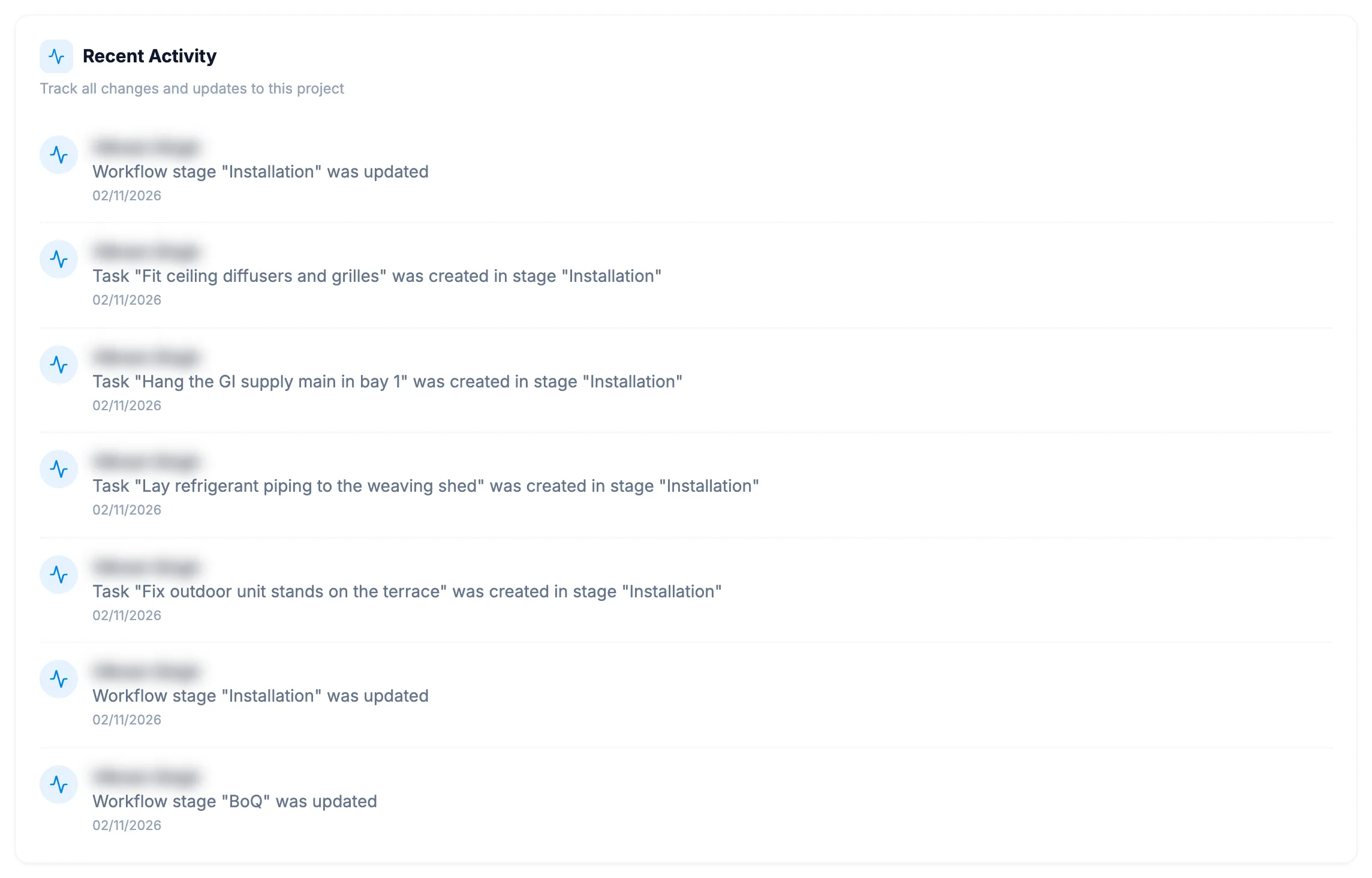
Step 2. The Recent Activity card with entries and their dates.
Read the record history
- Open the project.
- Select the History tab.
Result
Read the recent activity: each entry shows who did it, what they did, and the date, for example "02/11/2026". With nothing yet it reads "No activity yet" / "Activity will appear here as you work on the project".
Read the record history: the project's history shows, as on the activity log. See View the activity and access logs.
If something is different
- No History tab: you do not have Can view the activity log, or the Activity Log module is off. See View the activity and access logs.
- The tab says Site Activity but the card says Recent Activity: they are the same thing.