
Before you start
- You need Delete on Projects.
- Nothing for the project is posted to Accounts, no payment has been received for it, and no stock has moved for it.
Steps
-
In the sidebar, select Projects › List.
-
On the project's row, open the row menu and select Delete Project.
-
The "Delete Project" box asks "Are you sure you want to delete "[name]"? This action cannot be undone."
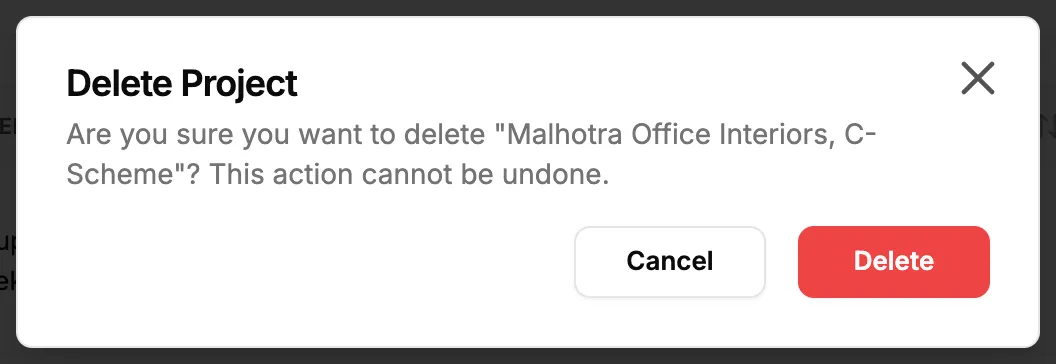
Step 3. The Delete Project box with the project name. -
Select Delete. Cancel closes the box and keeps the project.
Result
The message "Project deleted successfully" shows and the project leaves the list. Its stages, to-dos, files, calculations, invoices, stock outs, activity and the other records that belong to it are deleted with it, as one batch. The project's team members are notified.
The batch goes to the Recycle bin. An Owner or Admin can restore it there, and the records come back together. See Recycle bin: restore records and set retention.
If something is different
- No Delete Project in the menu: you do not have Delete on Projects.
- "This project cannot be deleted because...": see A project cannot be deleted.
- The project only did not convert: keep it for your records instead. See Mark a tender as Lost.