
Before you start
- You need Edit on Projects.
- The Duct Layout module is switched on for your company, and DuctArchitect has turned it on for you. See Switch a module on or off.
- The project has no Duct Layout stage yet.
Steps
-
Open the project and select the Project Stages tab.
-
In the Workflow Stages card, select Add Duct Layout stage. Its tooltip reads "This project was created before Duct Layout was enabled. Adds the stage after Pipe Sizing."
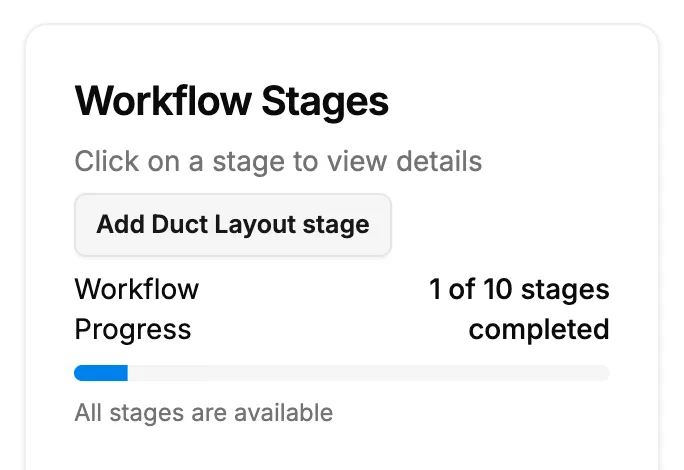
Step 2. Add Duct Layout stage in the Workflow Stages card.
Result
The message "Duct Layout stage added" shows. Duct Layout is in the list after Pipe Sizing and reads Ready to start. Open it to find Open Duct Layout, which opens the duct layout drawing in the Duct design module.
If something is different
- No Add Duct Layout stage button: the project already has the stage, the module is off for your company, or you do not have Edit on Projects.
- "Could not add the Duct Layout stage": try again. If it repeats, submit a request.
- Building Model is missing too: there is no button to add it to an existing project. See The Duct Layout or Building Model stage is missing.