
Before you start
- You have a DuctArchitect login. Your company admin adds you on Management › Users, or you created the company account yourself.
- If you created the account, you have verified your email.
Steps
-
Open DuctArchitect at
https://ductarchitect.com/auth/login. The screen shows "Welcome Back" and a Sign In card.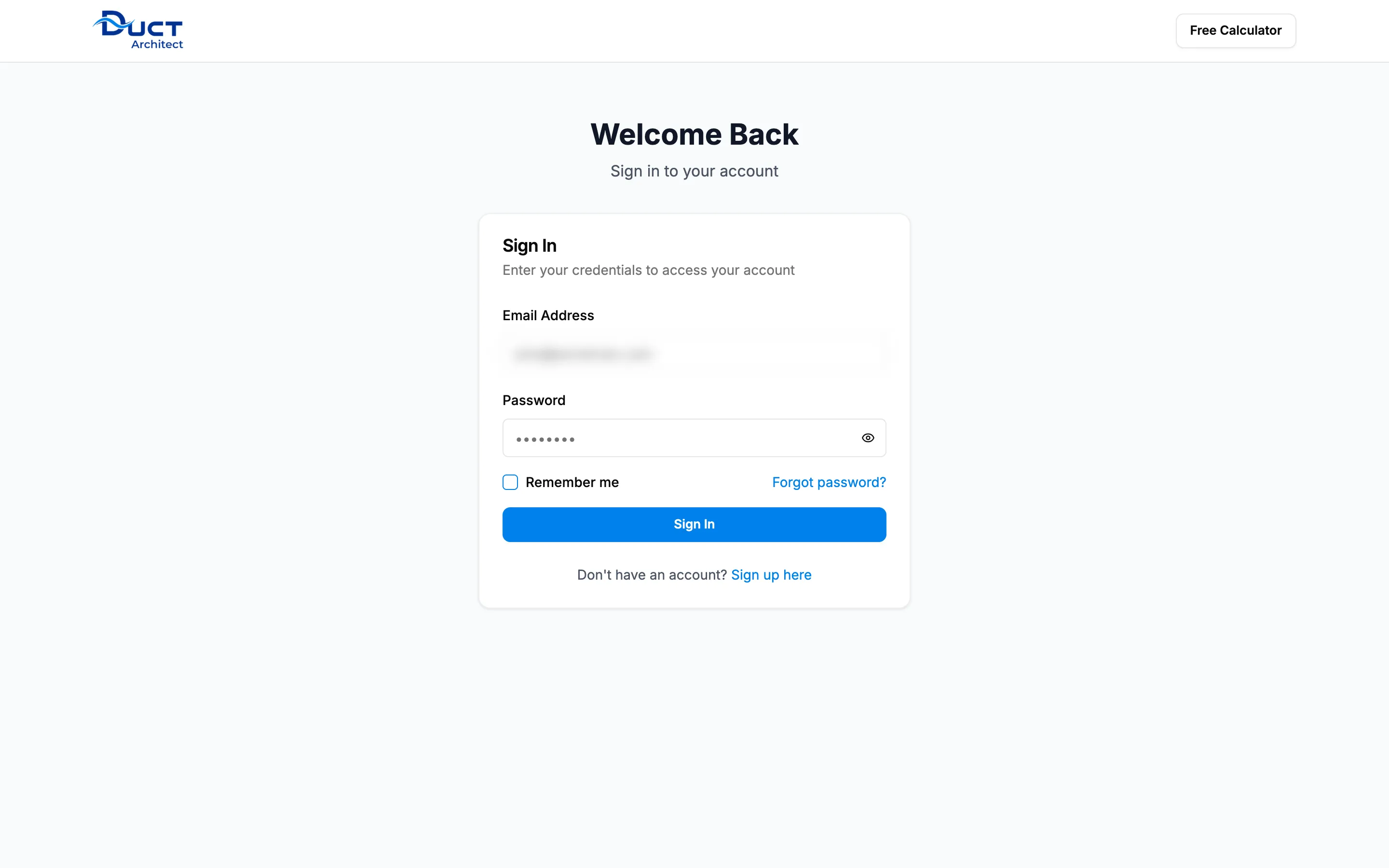
Step 1. The Welcome Back sign-in screen. -
In Email Address, enter your email.
-
In Password, enter your password.
-
Optional: tick Remember me.
-
Select Sign In. The button shows "Signing In..." while it works.
Result
DuctArchitect opens the right screen for you:
- Most people: the Dashboard.
- A Worker: the associate portal.
- A new company with no plan yet: "Plans & Pricing".
- A company that is not set up yet: "Set up your company".
Next: Your dashboard: what each card shows and who sees it.
If something is different
- "Invalid email or password. Please check your credentials and try again." or another red message: see I can't sign in.
- An amber box asks you to verify your email: see Resend the verification email.
- You forgot your password: see Reset a forgotten password.
- A box "Before you continue" covers the screen: see I see "Before you continue" and cannot go on.