
Before you start
- You need a business email address that you can open now. DuctArchitect sends a verification link to it.
- You do not need a permission. Anyone can create an account. The person who signs up becomes the company's Admin.
Steps
-
Open DuctArchitect at
https://ductarchitect.com/auth/login. -
Under "Don't have an account?", select Sign up here. The screen shows "Start Your Journey Here".
-
Fill in the form.
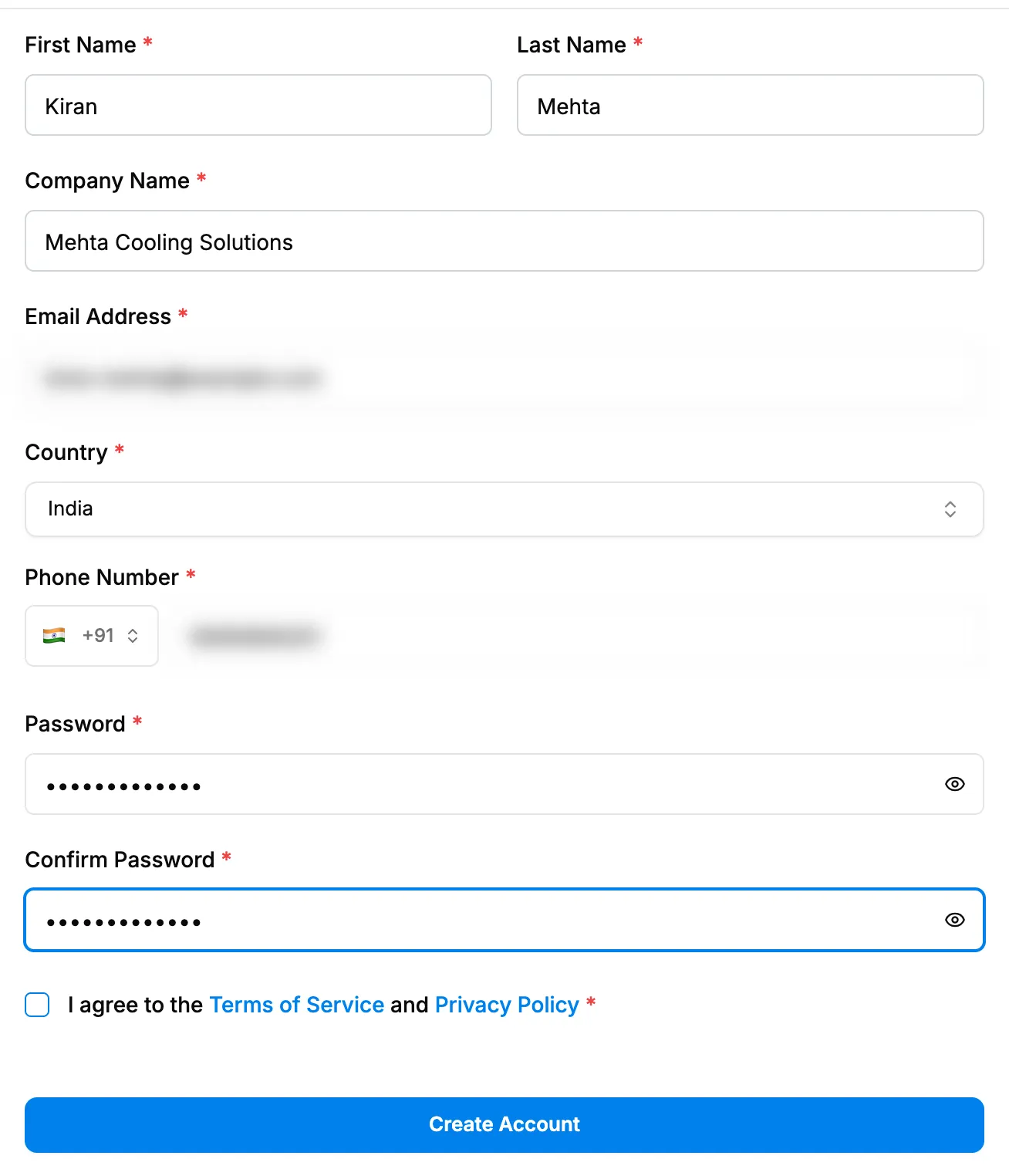
Step 3. The Start Your Journey Here form. Field Required What to enter First Name Yes At least 2 characters. Letters, spaces, hyphens, apostrophes and dots only. Last Name Yes Same rules as First Name. Company Name Yes Your company's name, up to 150 characters. Email Address Yes Your business email. You sign in with it. Country Yes Choose from the list. It sets the phone dial code and later suggests your currency, time zone and financial year. Currency Yes Shown only when your country's own currency is not offered. Choose the currency you invoice in. Phone Number Yes With the country code. Password Yes At least 8 characters, with an uppercase letter, a lowercase letter, a number and a special character. Confirm Password Yes Type the same password again. -
Tick I agree to the Terms of Service and Privacy Policy.
-
Select Create Account. The button shows "Creating Account..." while it works.
Result
The screen shows "Registration Successful!" and "Please check your email and click the verification link to activate your account." Your company is created with the plan status Pending, and you are its Admin.
Next: Verify your email address.
If something is different
- The screen says "An account with these details already exists. Please sign in or reset your password.": see Sign-up or verification does not go through.
- The screen says "reCAPTCHA not ready: please wait a moment and try again.": wait a few seconds and select Create Account again.
- A Currency field appears with "Your country's own currency is not offered yet; choose the one you invoice in.": choose the currency your invoices are in.
- "Password requirements not met": check that the password has an uppercase letter, a lowercase letter, a number and a special character.
- No "Registration Successful!" screen; Plans & Pricing opens instead: your account did not need email verification. Go to Start a free trial.